Note · AI
Rapid prototyping with AI.
Why I no longer spend hours on clickable wireframes, and what that opens up.
One of the places I've found AI most useful in my workflow is rapid prototyping.
I save a lot of time using Claude Code or Figma Make to quickly create prototypes. These prototypes are most useful at the initial idea stage. What's even better is that they are mini web apps that can be quickly hosted on Vercel. I'm no longer spending hours making clickable wireframes before validating whether an idea is useful.
It's also easier now for PMs or engineers to sketch what's in their head instead of relying entirely on designers to translate ideas into something visual.
For example, our PM created a prototype to explore how customers could configure password resets and other parts of the self-service experience. We immediately used the prototype to test with customers and get feedback instead of debating the flow internally for weeks.
What works best for me is already knowing ~90% of the vision. I usually start with a paper sketch, feed it into Claude, and then refine through prompts.
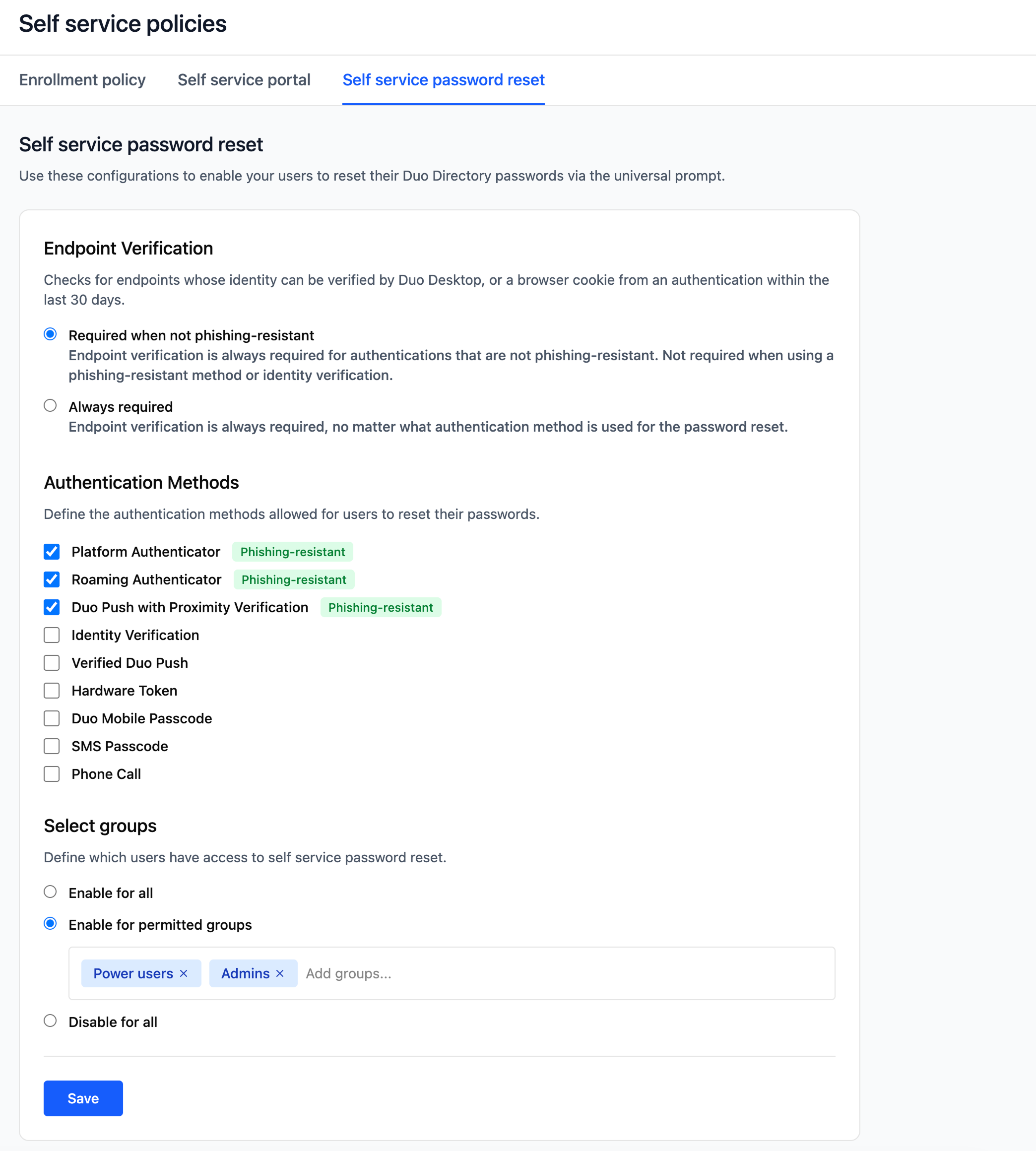
A rough recreation of the prototype. Try the prototype ↗
I also like using Claude Code + Figma MCP to create future vision prototypes and demos.
Based on our self-service research, we created a prototype for what the future of self-service could look like and used it to socialize the idea internally. For example:
- how could AI agents connect with end users?
- what parts of support workflows could become conversational?
- what would AI-assisted self-service actually look like?
Instead of explaining the idea through slides or documents, we could show something tangible.
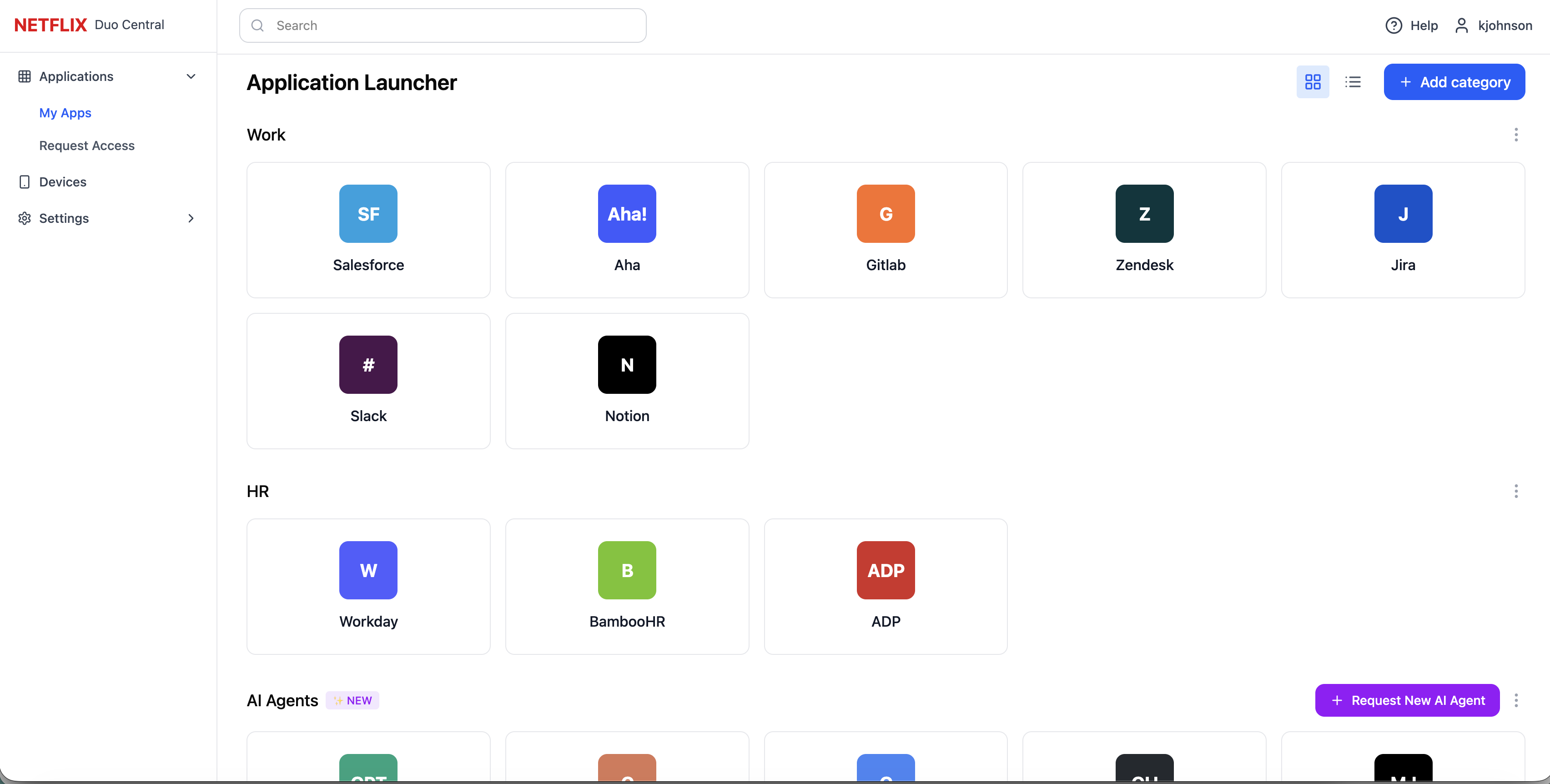
Self-service future vision demo. Try the prototype ↗
One caveat is that AI can quickly create polished and visually appealing prototypes. But this can distract people from answering the questions that matter, like “Is this usable?” and “Is this a good solution to the problem we are trying to solve?”
I advocate for resisting the urge to share designs that look finalized and instead using simple grey wireframes.